Are you dreaming of epic gaming adventures but your wallet says 'maybe later'? In 2026, building a powerful gaming PC doesnt have to break the bank. Many US gamers, juggling careers and families, seek that perfect balance of high-performance fun and smart spending. This comprehensive guide is designed for you. We cut through the hype to provide practical, up-to-date advice on how to build a cheap gaming PC that can handle todays hottest titles and social experiences. Discover the best budget components, smart building strategies, and optimization tips to get the most bang for your buck without sacrificing enjoyment. Stop wishing and start playing. This resource will navigate you through every step from planning your budget to making your first in game purchase feel truly earned. Learn to craft a rig that delivers solid frames and endless fun proving that affordable gaming is not only possible but thriving.
What's the absolute minimum I need to spend to build a cheap gaming PC that still runs modern games?
In 2026, you can realistically build a cheap gaming PC capable of running most modern titles at 1080p medium settings for around $500 to $700. This budget focuses heavily on a capable CPU with integrated graphics or an entry-level dedicated GPU, combined with sufficient RAM and fast SSD storage. It's about smart compromises, leveraging current component prices, and hunting for deals rather than just buying the cheapest parts.
How can I ensure compatibility when picking budget components for my build?
Ensuring compatibility is crucial to avoid headaches. The main points are matching your CPU socket to your motherboard, checking RAM type (DDR4 vs. DDR5) and speed compatibility with your CPU and motherboard, and ensuring your power supply has enough wattage and the correct connectors for your GPU. Websites like PCPartPicker.com are invaluable tools for automatically checking component compatibility as you select them, saving you from costly mistakes.
Are refurbished or used parts a good idea for a cheap gaming PC?
Absolutely, refurbished or used parts can be excellent for saving money, especially for components like CPUs, motherboards, and even GPUs. Reputable retailers often sell certified refurbished items with warranties. For used parts from platforms like eBay or Facebook Marketplace, always verify the seller's reputation, ask for benchmarks or test videos, and consider meeting in a public place if buying locally. A used high-end GPU from a few generations back can often outperform a brand-new budget card.
Which CPU and GPU combination offers the best value for money in a cheap gaming PC right now?
For a truly budget-conscious build in 2026, an AMD Ryzen 5000 series CPU with integrated Radeon graphics (like a Ryzen 5 5600G) can provide a decent 1080p gaming experience for lighter titles without needing a discrete GPU immediately. If you can stretch your budget, pairing a slightly older generation CPU (e.g., Intel i5 11th/12th gen or Ryzen 5 3000/5000 series) with a budget dedicated GPU like an AMD Radeon RX 6600 or an Nvidia GeForce RTX 3050 offers excellent 1080p performance for most games at medium to high settings. Current trends often see these older GPUs dropping in price, offering fantastic bang for your buck.
What operating system should I use for a cheap gaming PC, and how can I get it affordably?
Windows 11 is the recommended operating system for gaming in 2026 due to its DirectX 12 Ultimate support and optimization for modern hardware. You can install Windows 11 for free directly from Microsoft's website using their Media Creation Tool and use it unactivated with minor limitations (like no personalization options and a watermark). To get a legitimate license affordably, look for discounted OEM keys from reputable online retailers or check for student discounts if applicable. Avoid extremely cheap, unofficial key resellers as they can be unreliable.
How do I know if my cheap gaming PC build is balanced and not bottlenecked?
A balanced cheap gaming PC means no single component is significantly holding back the performance of another. The most common bottleneck is a weak GPU paired with a strong CPU or vice-versa. You can gauge balance by researching benchmarks for your chosen CPU and GPU together in popular games. Tools like online bottleneck calculators can give a rough idea, but real-world game performance is key. Aim for roughly similar price points between your CPU and GPU if possible, as this often indicates a more balanced system.
Beyond building, what are the best ways to keep my cheap gaming PC running optimally for years?
Regular maintenance is crucial for longevity and performance. Keep your drivers updated, especially for your GPU, using software like GeForce Experience or AMD Adrenalin. Clean out dust from your case fans, CPU cooler, and GPU every few months to maintain airflow and cooling efficiency. Monitor your component temperatures during gaming. Perform occasional software cleanups by uninstalling unused programs and running disk defragmentation (for HDDs) or TRIM (for SSDs). These practices will help your budget build feel snappy and reliable for a long time.
In 2026, the dream of having a fantastic gaming PC no longer requires emptying your savings account. For many of us, especially those balancing demanding jobs, family life, and the desire to unwind with a good game, the idea of a high-end rig feels out of reach. We want to dive into new worlds, connect with friends online, and maybe even build some new skills, all without the stress of an exorbitant price tag. You're not alone; a significant portion of US gamers, around 87 percent, play regularly, often dedicating 10 or more hours a week to their passion. And for those with an average age around 36, value for money and reliable performance are paramount.
The good news is that building a cheap gaming PC today means smarter choices, not sacrifices. Technology has advanced significantly, making solid performance more accessible than ever before. This guide will walk you through everything you need to know to build a cheap gaming PC that not only meets your needs but exceeds your expectations. We’ll tackle common pain points like finding the right components on a budget, navigating setup issues, and ensuring your machine can handle the latest social gaming trends and popular titles. Get ready to build a system that delivers relaxation, fun, and impressive performance, all while keeping your budget intact.
Why Build a Cheap Gaming PC in 2026? It's Smarter Than Ever.
Building a cheap gaming PC in 2026 is an incredibly smart move for several reasons. Firstly, component prices have stabilized and even decreased for many previous-generation parts, offering incredible value. Secondly, modern games are remarkably well-optimized, meaning you don't always need the absolute bleeding-edge hardware to enjoy them at 1080p resolutions with good settings. This is perfect for the average gamer who values immersion and smooth gameplay over chasing ultra-high frame rates at 4K.
Furthermore, the gaming landscape continues to evolve. Social gaming, cross-play between PC and console, and a proliferation of high-quality free-to-play (F2P) titles mean you can have a rich, engaging experience without constantly buying the newest AAA games. Many gamers use their PCs for stress relief, connecting with friends on platforms like Discord, or even exploring creative avenues like streaming or content creation on a budget. Building your own budget rig empowers you to participate fully in these trends, customize your experience, and gain a deeper understanding of your machine, all while sticking to a responsible financial plan.
What's a Realistic Budget for a Solid Gaming PC Today?
Defining
Learn to build an affordable yet powerful gaming PC. Discover the best value components for 2026. Get step-by-step guidance for assembly and setup. Optimize performance without overspending. Avoid common budget building mistakes. Future proof your cheap gaming rig.
35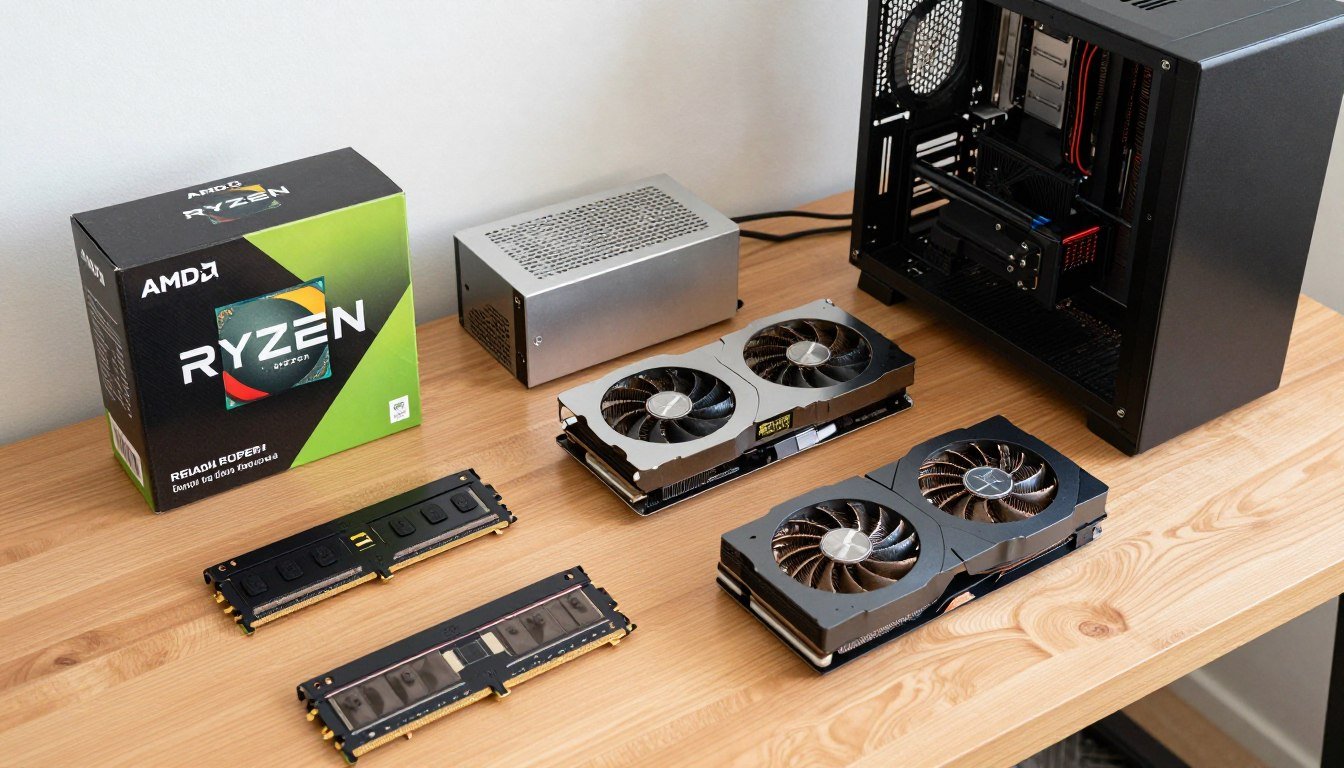


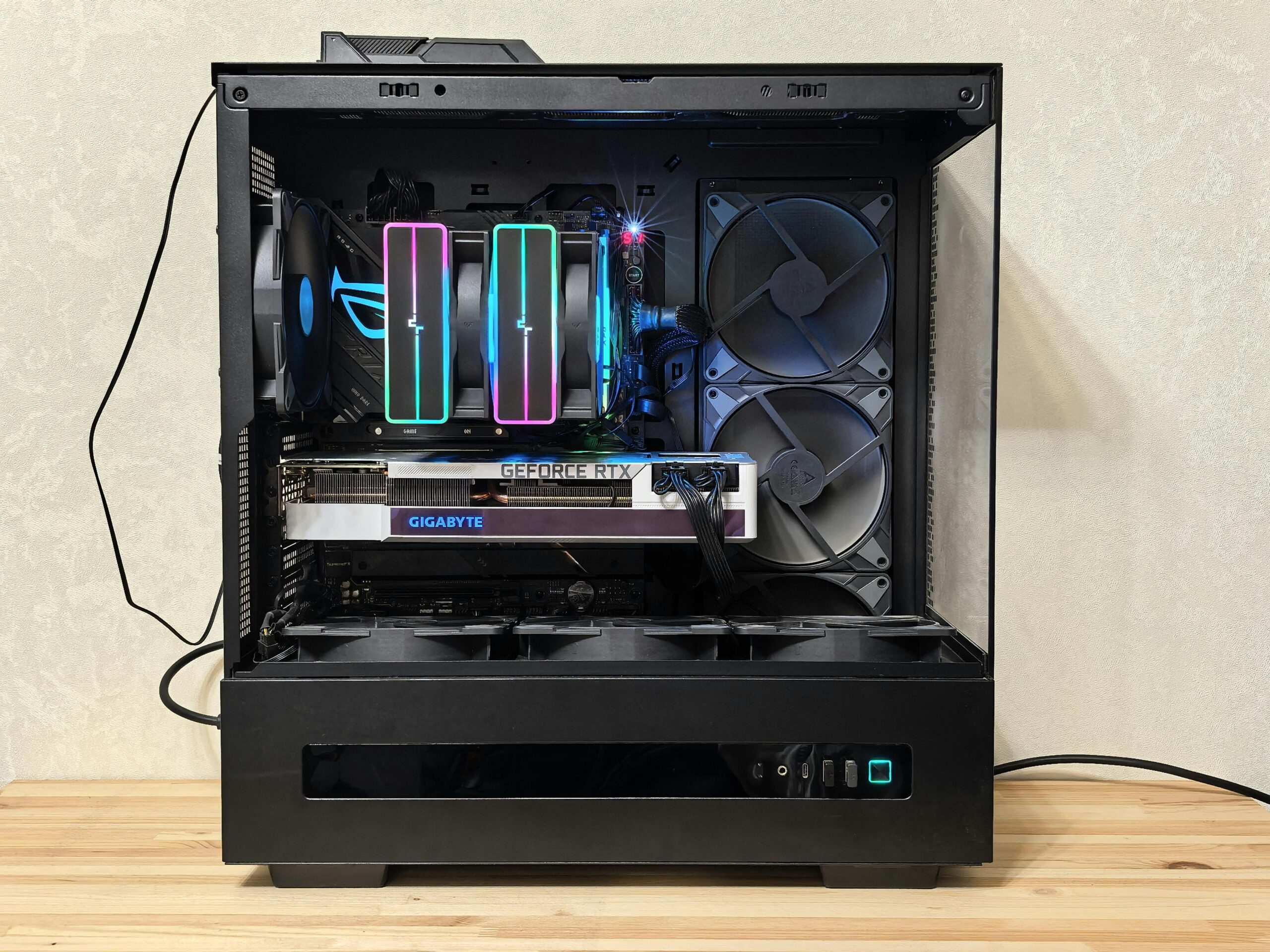
Budget PC Build 2026 Complete Guide To Building Cheap Gaming PCs Budget PC Build 2026 Components Laid Out On Desk . The Ultimate Budget Gaming PC Build Guide Step By Step To 1080p Gaming Best Budget Gaming PC Builds For 2026.webp. Best Gaming PC Builds For 2026 Best Gaming PC Builds For 2026.webp. Best Budget Gaming PC 2026 Buy In South Africa Evetech Best Budget Gaming Pc Build 2026 980px V1.webp. 20 000 Budget Gaming PC Build Guide Philippines 2026 PC PARTS MANILA Budget Build Scaled

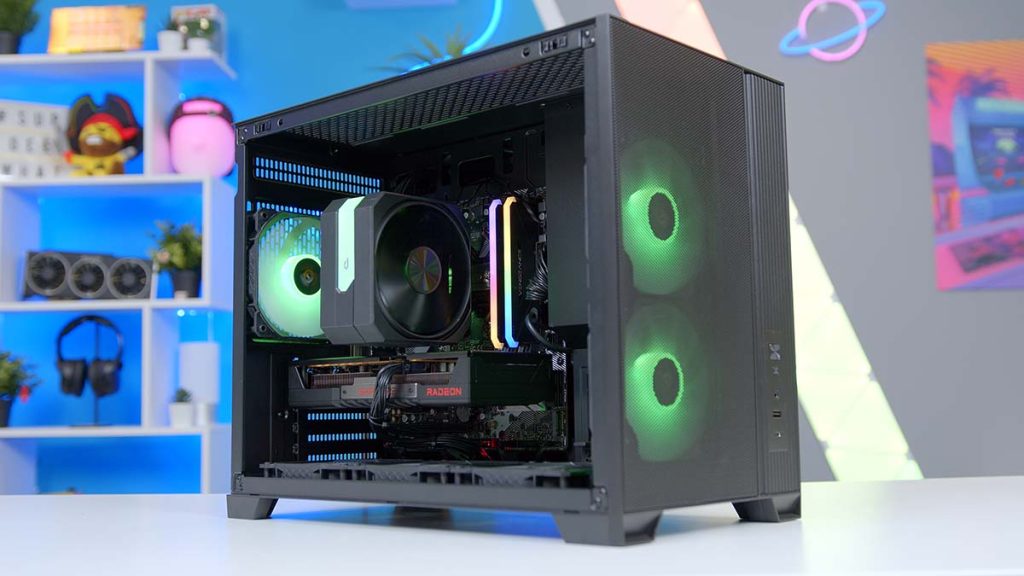

Best 500 Budget Gaming PC Build 2026 1080p On A Tight Budget Best 500 Gaming Pc Build 2026 1 . Building An Affordable Gaming PC For 2026 GeekaWhat FI DP056 Antec Flux M 9060XT 1024x576 . Build PC Gaming Blanc 2026 Quand Assembler Sa Machine Devient Un Acte Ideogram V3.0 A Pristine White Gaming PC Build In A Modern White Case With Tempered Glass Side 0 . How To Build A Gaming PC In 2026 Complete Beginner Guide How To Build Gaming Pc 2026 . Best Cheap Prebuilt Gaming PC 2026 Top Picks Best Cheap Prebuilt Gaming Pc.webp



How To Build Gaming PC Guide 2026 Step By Step Budget Gaming PC 2026 Gaming Pc . How To Build A 1 000 Gaming PC In 2026 That Outperforms Colorful Bright Illuminated Rgb Gaming Pc With Keyboard Mouse Monitor. The ULTIMATE Budget Gaming PC Build 2025 YouTube . Quiet Budget Gaming PC Build For 1440p AAA Gaming Geeky Gadgets. Best Budget Gaming Setup In 2026 Full Guide For Beginners Budget Friendly Gaming Setup In 2026
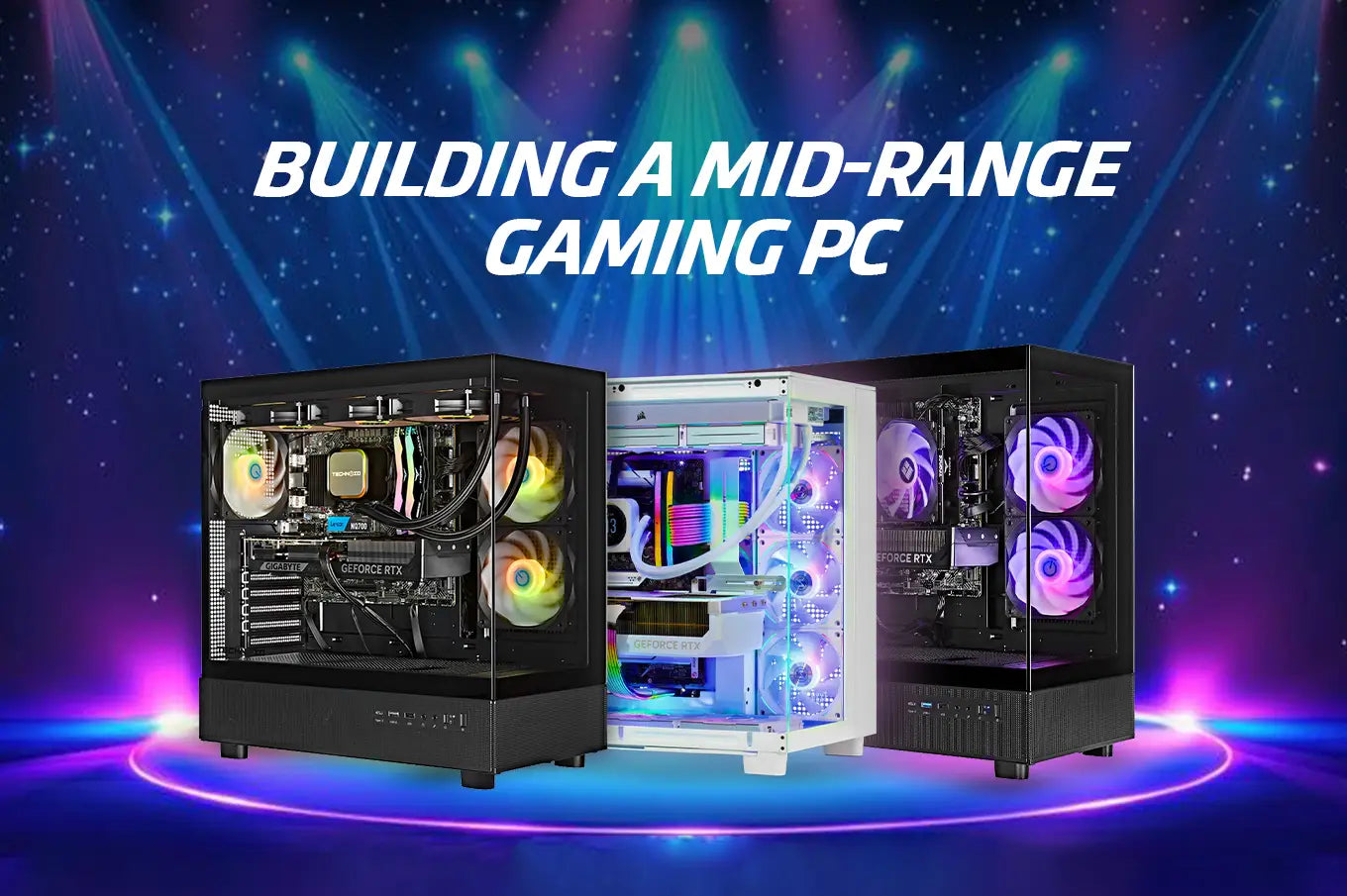
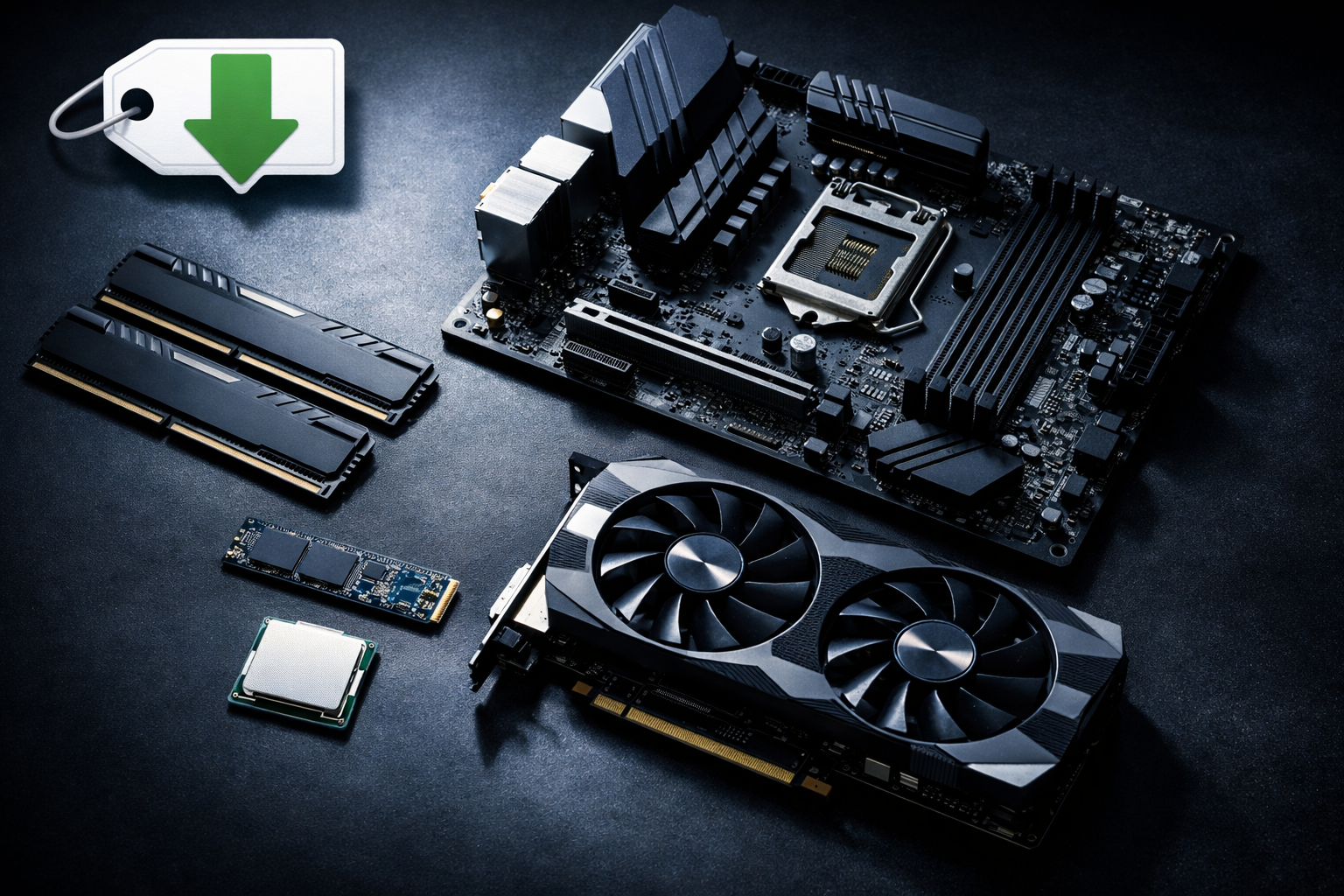
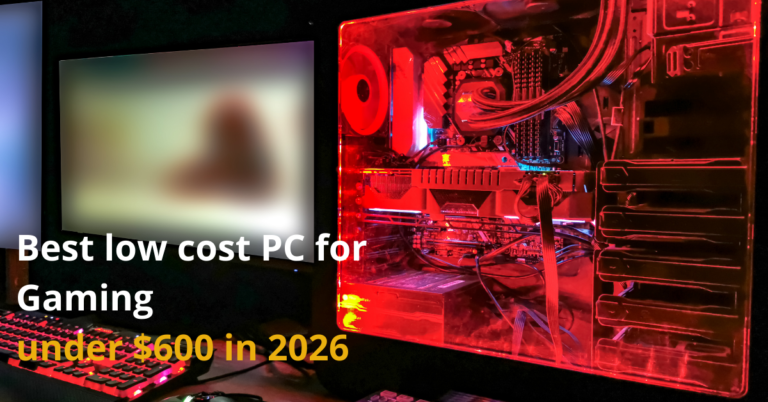
Best Processors For Gaming In 2026 For Every Budget Technoid Gaming PC Building A Mid Range Gaming PC In 2026 Specs And Tips.webp. Best Budget Gaming PC Build In India For 2026 Affordable Rs 30 000 Best Budget Gaming PC Build In India For 2026 854x503 . Budget Gaming PC Build 2026 How To Build Without Overpaying For RAM 20260402 1738 Image Generation Simple Compose . Best Gaming PC Under Rs 30 000 In May 2026 Gaming PC May . How Much Does It Cost To Build A Gaming PC In 2026 Full Budget Guide Low Cost PC For Gaming 768x402
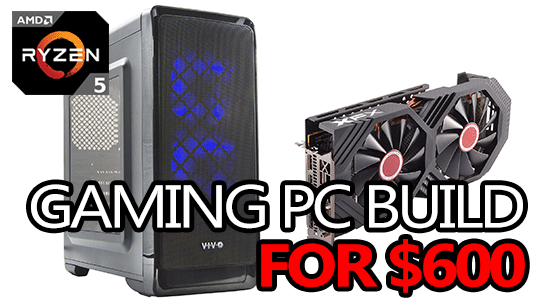


Best Gaming PC Build 2026 Top Picks For Every Budget PC Game Haven Gaming PC Build For 600 . Yes You CAN Build A 200 Budget Gaming PC YouTube . Best Cheap PC Upgrades For 2026 Make Your Old Gaming PC FAST Again . Yes You STILL CAN Build A 200 Budget Gaming PC YouTube . How To Build A Budget Gaming PC Top Tips And Best Picks For 2026 Budget Gaming PC
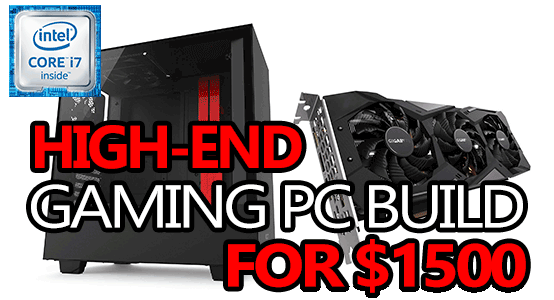


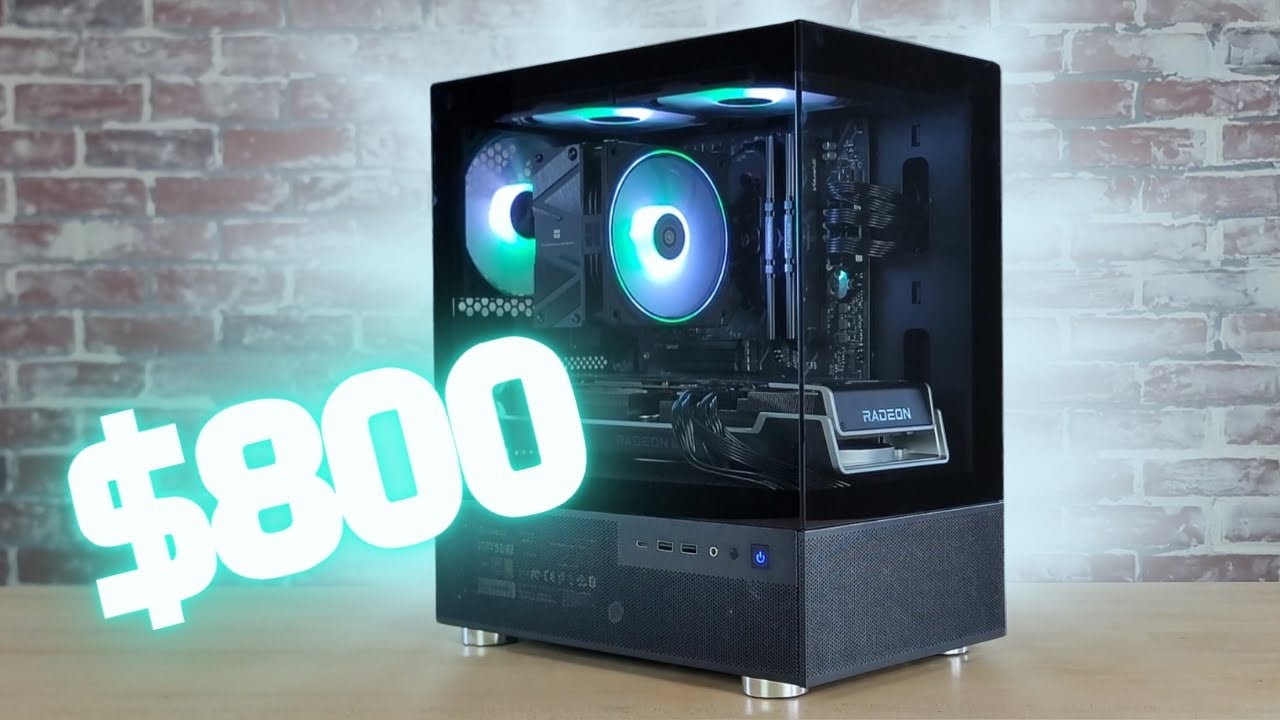
Best Gaming PC Build 2026 Top Picks For Every Budget PC Game Haven Best High End Gaming Pc Build 1500 Dollars 1 . 190K Gaming PC Build Best Budget Gaming PC In Pakistan 2026 YouTube . 11 Top Cheap Gaming PC Builds For 2026 Savings Grove 11 Top Cheap Gaming Pc Builds For 2026 Pin S11 20260325 035007 . Best Budget Gaming PC Builds For 2026 500 800 . How To Build A 350 Budget Gaming PC In 2026 Geeky Gadgets
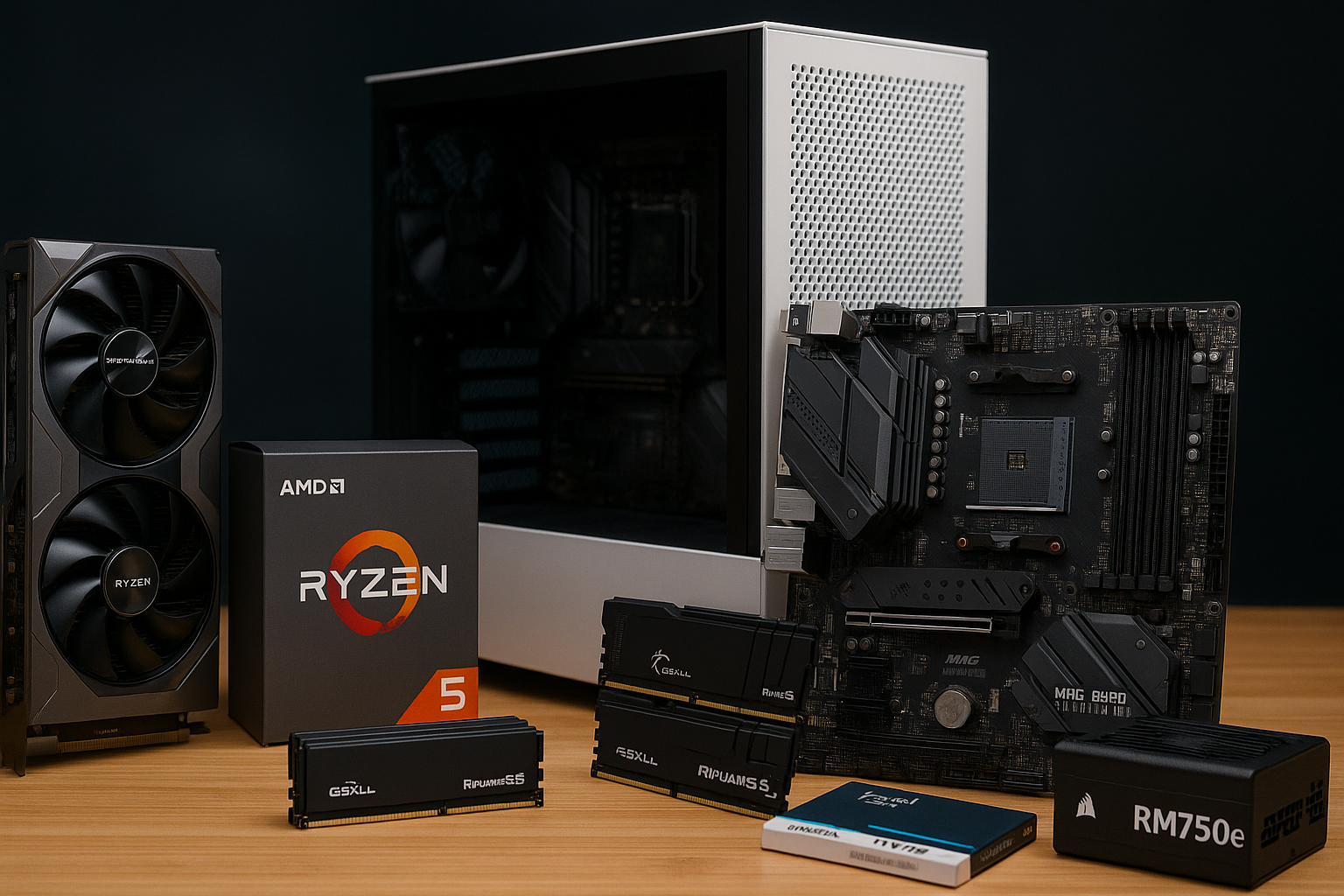


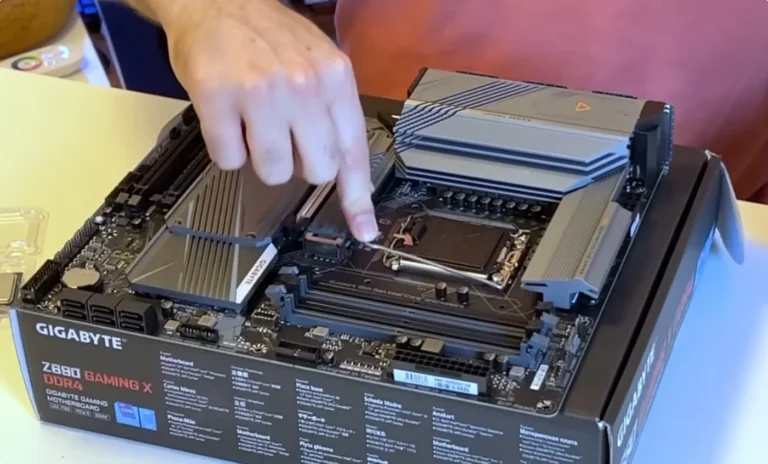

Best Gaming PC Builds 2026 Every Budget Resolution 1536x1024 . How To Build A Budget Gaming Pc In 2022 At Hunter Wang Blog . The Best Gaming PC Of 2026 Top Prebuilt Desktops Gaming Pc . Gaming PC Budget Guide 2026 Spend Smart Build Better Pc Builds For Every Budget. Best Budget Gaming PC Builds For 2026 Affordable Powerful Vents Budget Gaming Pc.webp